# Video

<figure><img src="/files/PmtoForqKRK7vhdpFq45" alt=""><figcaption></figcaption></figure>

## Overview

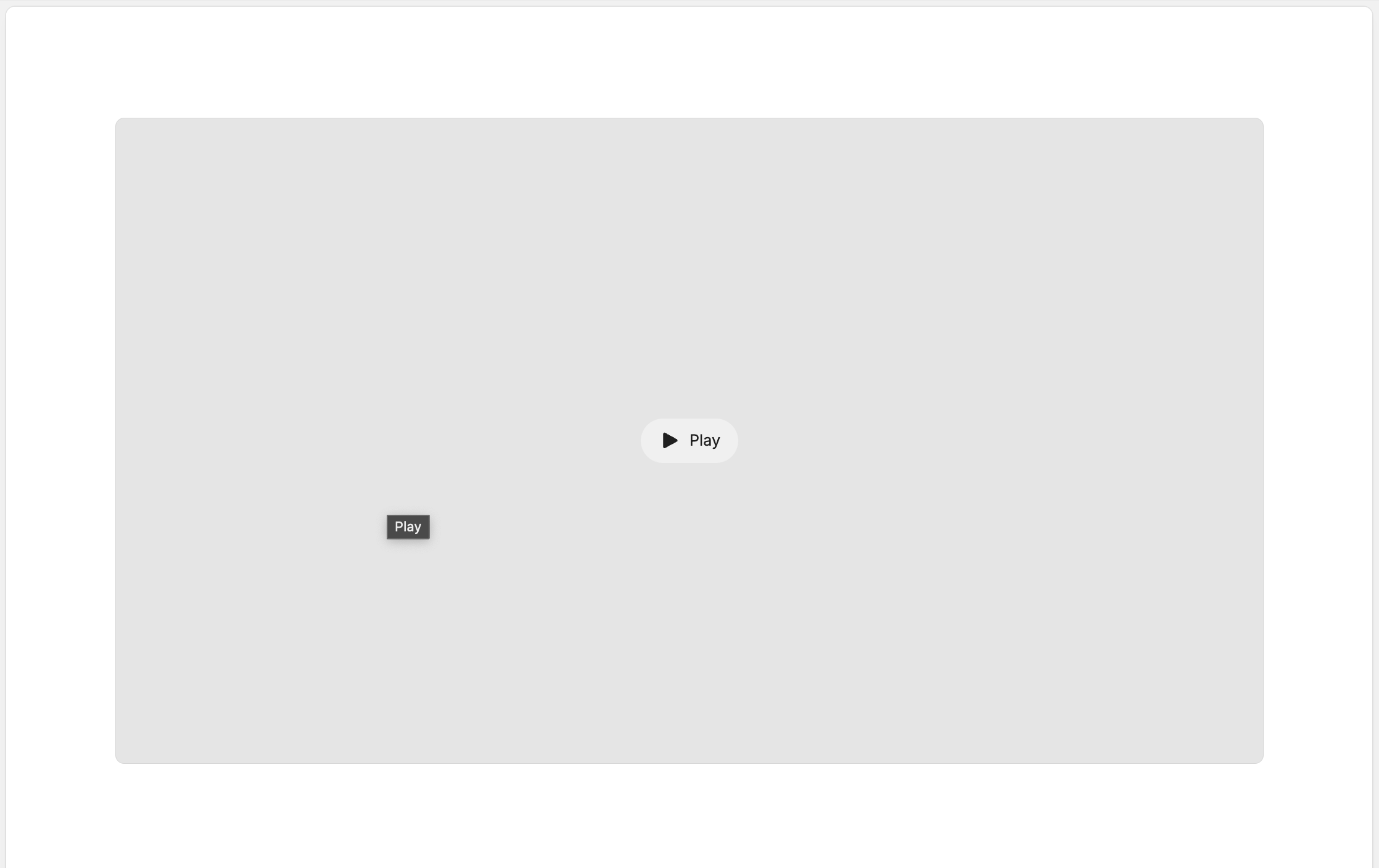
A customizable video block component that supports both native and custom video controls. Provides flexible styling options including color schemes, button styles, and layout controls. Supports responsive design with mobile/desktop visibility options and customizable width and alignment.

## Common use cases

* Embed promotional videos on homepage
* Showcase product demonstrations
* Display brand storytelling content
* Create engaging video backgrounds
* Add instructional or educational videos

## Compatible blocks

The following blocks can be nested within this block:

* [Container](/slab/content/blocks/layout/container.md)

## Block settings

### General

| Setting                | Description                 | Options                   |
| ---------------------- | --------------------------- | ------------------------- |
| Show advanced settings | Reveals visibility settings | Checkbox (default: false) |

### Content

| Setting                | Description                               | Options                   |
| ---------------------- | ----------------------------------------- | ------------------------- |
| Video                  | The video file to display                 | Video picker              |
| Autoplay video         | Automatically plays the video when loaded | Checkbox (default: true)  |
| Loop video             | Restarts video when it ends               | Checkbox (default: true)  |
| Default video controls | Shows native browser video controls       | Checkbox (default: false) |
| Custom video controls  | Shows custom branded play/pause controls  | Checkbox (default: true)  |

### Spacing

| Setting                   | Description                                  | Options                   |
| ------------------------- | -------------------------------------------- | ------------------------- |
| Enable horizontal padding | Adds horizontal padding inside the container | Checkbox (default: false) |
| Enable top padding        | Adds top padding                             | Checkbox (default: false) |
| Enable bottom padding     | Adds bottom padding                          | Checkbox (default: false) |

### Color

| Setting      | Description                          | Options                                                                                                                                                                   |
| ------------ | ------------------------------------ | ------------------------------------------------------------------------------------------------------------------------------------------------------------------------- |
| Color scheme | Controls the background color scheme | <p>• Body<br>• Neutral<br>• Accent 1 (default)<br>• Accent 2<br>• Accent 3<br>• Shade 1<br>• Shade 2<br>• Shade 3<br>• Primary<br>• Secondary<br>• Tertiary<br>• Blur</p> |
| Border color | Controls the border color            | <p>• Subtle (default)<br>• Strong<br>• None</p>                                                                                                                           |

### Style

| Setting         | Description                                | Options                                                                                                            |
| --------------- | ------------------------------------------ | ------------------------------------------------------------------------------------------------------------------ |
| Width           | Controls the width of the video container  | 5 - 100 % (default: 100)                                                                                           |
| Minimum width   | Minimum width of the video container       | 5 - 500 px (default: 500)                                                                                          |
| Border position | Controls where borders appear on the video | <p>• None (default)<br>• Top<br>• Bottom<br>• Left<br>• Right<br>• Top and bottom<br>• Left and right<br>• All</p> |
| Radius          | Controls the border radius                 | <p>• None<br>• Default (default)<br>• Sm<br>• Md<br>• Lg<br>• Xl<br>• 2xl<br>• Full</p>                            |

### Layout

| Setting              | Description                                | Options                                        |
| -------------------- | ------------------------------------------ | ---------------------------------------------- |
| Horizontal alignment | Controls horizontal alignment of the video | <p>• Left (default)<br>• Center<br>• Right</p> |

### Display

| Setting    | Description                        | Options                                                                                                                            |
| ---------- | ---------------------------------- | ---------------------------------------------------------------------------------------------------------------------------------- |
| Visibility | Controls when the block is visible | <p>• All (default)<br>• Mobile only<br>• Desktop only</p><p><br><br>Visible when <strong>Show advanced settings</strong> is on</p> |


---

# Agent Instructions: Querying This Documentation

If you need additional information that is not directly available in this page, you can query the documentation dynamically by asking a question.

Perform an HTTP GET request on the current page URL with the `ask` query parameter:

```
GET https://help.brickspacelab.com/slab/content/blocks/basics/video.md?ask=<question>
```

The question should be specific, self-contained, and written in natural language.
The response will contain a direct answer to the question and relevant excerpts and sources from the documentation.

Use this mechanism when the answer is not explicitly present in the current page, you need clarification or additional context, or you want to retrieve related documentation sections.